Complete guide to the SEPA Social Security mandate: manage payments without errors
2026-01-31
The SEPA Social Security mandate is, in short, the authorisation that you, as a company or self-employed professional, give to the General Treasury (TGSS) so that it can collect contributions directly from your bank account. Think of it as a contract that replaces the old direct debit orders, ensuring that payments are made automatically, on time and, above all, securely.
Understanding the TGSS collection authorisation
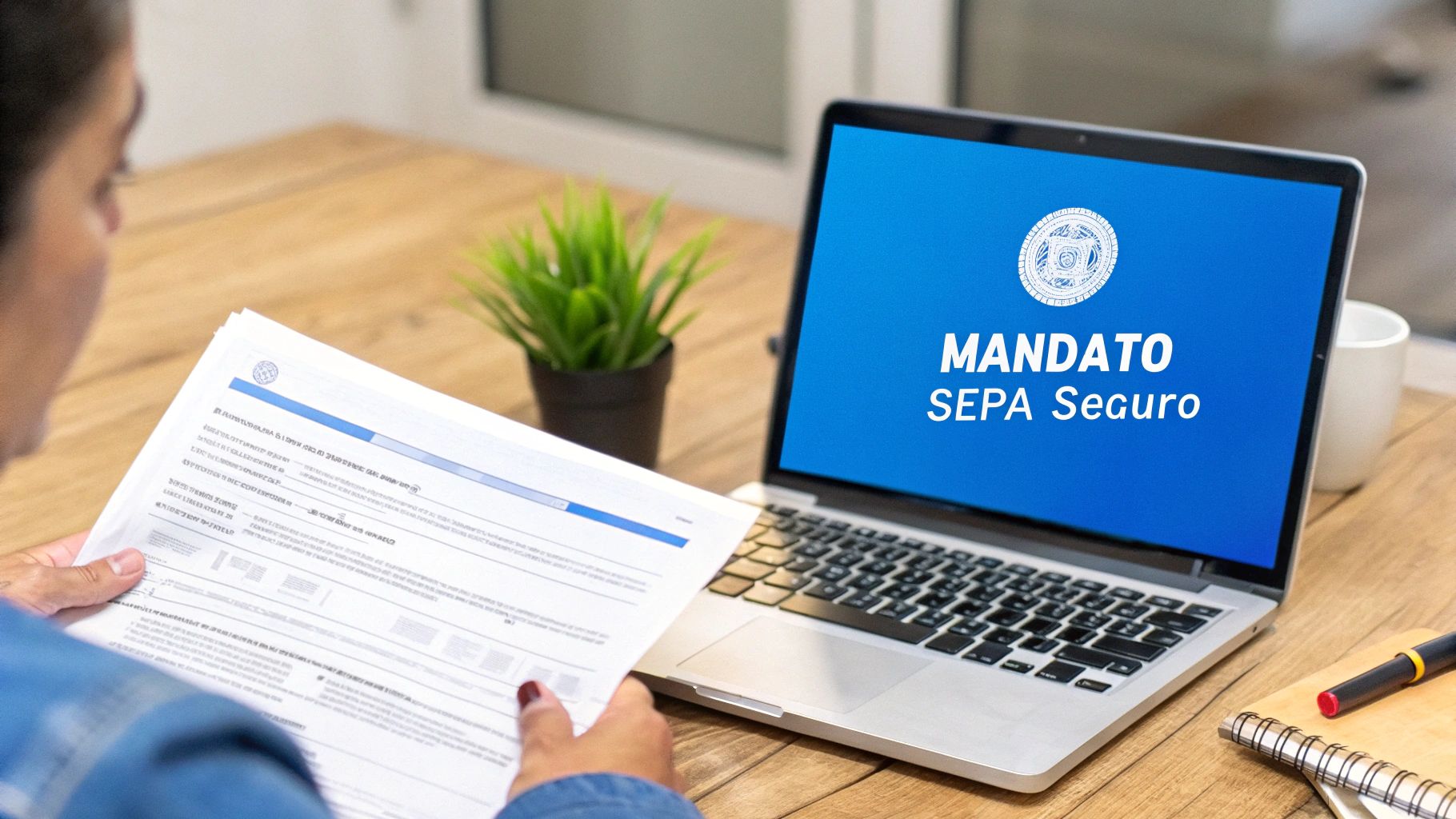
To understand it better, let’s draw a parallel. When you subscribe to Netflix or Spotify, you give them permission to charge your fee every month without you having to do anything. The SEPA mandate with the Social Security works on the same logic, only applied to your obligations with the administration.
This document is the key piece that makes all domiciled payments work within the Single Euro Payments Area (SEPA). By signing it, you are not just giving an account number; you are granting a clear, explicit legal authorisation to the Treasury to initiate collection of your contributions when due.
Why it is a key tool for your business
Don’t see the mandate as a mere bureaucratic formality; it is a fundamental tool for managing your business. Implementing it hugely simplifies the administration of Social Security payments, giving you predictability and order in your treasury. To grasp its full scope, it is very useful to first understand in detail what the SEPA mandate is and how it structures these collection relationships.
The great advantage of formalising a SEPA mandate with the Social Security is undoubtedly automation. Once it is active, payments run on their own. No more manual interventions and, most importantly, no risk of forgetting or delays.
In fact, this authorisation system is the basis for more than 90% of self-employed professionals and SMEs in Spain to manage their contributions through bank direct debit, according to sector estimates.
Direct benefits of using it
Adopting this automated payment system will bring you very clear advantages that improve the financial and operational health of your activity. With a single authorisation that centralises everything, you remove a lot of complications.
These are the most direct benefits:
- Avoid late payment surcharges: The collection is made on the due date, automatically. This minimises to almost zero the risk of missing the deadline and having to pay the penalties imposed by the TGSS.
- Simpler accounting: The charges are always the same or very predictable, and they appear clearly on your bank statements. Account reconciliation becomes much simpler.
- Security and control: The SEPA mandate is a highly regulated system that protects you as debtor. You have very clear rights, such as the possibility of returning a charge you consider incorrect within set time limits.
- Administrative time savings: Forget about making manual transfers every month. The time you save you can devote to what really matters: growing your business.
Practical differences between the SEPA CORE mandate and the B2B mandate
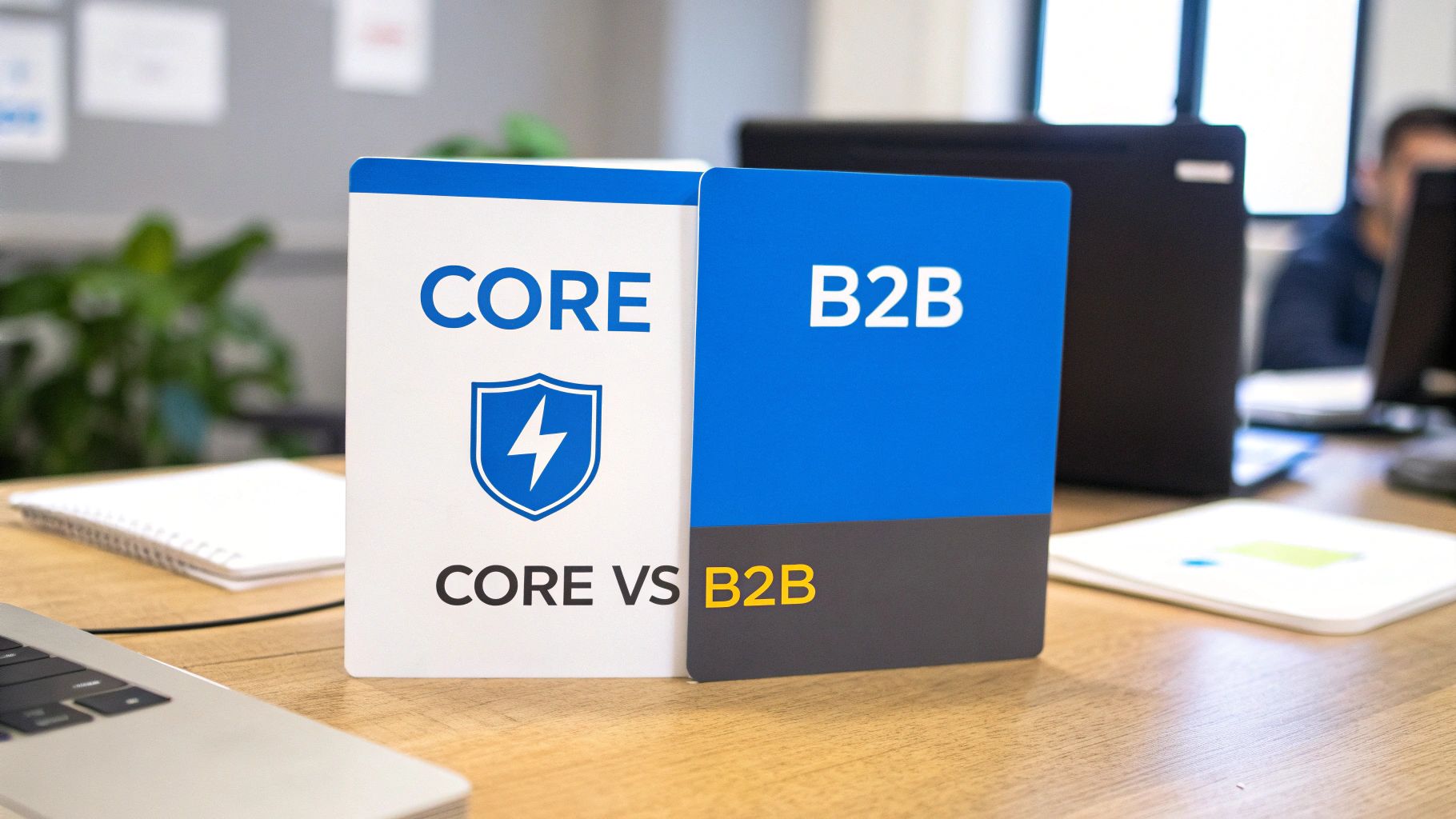
When we talk about “SEPA mandate”, we tend to put everything in the same basket. But the reality is that there are two types with very different rules. Understanding them is key, especially because the Social Security only uses one of them, and knowing why gives you full control over your payments and your rights.
There is the SEPA CORE mandate (the basic one, the standard) and the SEPA B2B mandate (Business-to-Business). Think of them as two types of contract: one designed to protect the payer as much as possible, and the other designed to give speed and certainty in business-to-business operations.
The General Treasury of the Social Security (TGSS), although it deals with self-employed professionals and companies, works exclusively with the SEPA CORE scheme. This is not a random choice, and it has direct consequences for how you manage your contributions and, most importantly, what you can do if something doesn’t add up.
SEPA CORE mandate: the universal option with a safety net
The SEPA CORE mandate is the most common and versatile. It was created to protect the individual consumer in their payments to companies (such as mobile or gym bills), but its flexibility allows it to be used between professionals too, which is exactly the case with Social Security payments.
Its defining feature is the huge protection it gives the debtor—that is, you. This type gives you a very wide margin to react if you see a charge that doesn’t seem right or that you weren’t expecting.
Think of the CORE mandate as a safety net. It gives you the right to return any direct debit within 8 weeks of the collection, without having to give explanations. You just have to ask your bank.
And that’s not all. If the charge was made without you having signed a valid SEPA mandate, that period extends to 13 months. This protection is the main reason why the TGSS uses it, offering an extra guarantee to both self-employed professionals and companies.
SEPA B2B mandate: speed and certainty between businesses
On the other hand, we have the SEPA B2B mandate, designed exclusively for operations between companies, self-employed professionals or businesses. Its purpose is different: it seeks speed and certainty, closing collection operations almost immediately so that no one is surprised by returns.
Here’s the big difference: by signing a B2B mandate, as debtor you explicitly waive the right to return direct debits. Once the money has left your account, the operation is final and you cannot reverse it as with CORE.
This system is great for the creditor, because they know that once the money is in, it’s theirs. However, it forces the payer to be much more careful and to check that the amounts are correct before the charge is executed. Because of this rigidity, the SEPA Social Security mandate will never be of the B2B type.
Comparison of SEPA CORE vs B2B mandates
To make everything clearer, nothing like a table that directly compares the features, rights and time limits of both mandates.
| Feature | SEPA CORE mandate (used by Social Security) | SEPA B2B mandate (between businesses) |
|---|---|---|
| Who is it for? | Everyone: consumers, self-employed and companies. | Exclusively for self-employed and companies. |
| Right to return | Yes, always. You have 8 weeks to return authorised charges and 13 months for unauthorised ones. | No. By signing, you waive the right to return. The operation is final. |
| Management and time limits | More flexible for the debtor, with room to correct. | Faster and final, designed to give certainty to the creditor. |
| Bank control | Verification of the mandate by the debtor’s bank is optional. | The debtor’s bank is obliged to check that the mandate exists before paying. |
| Collection notice | The creditor must give 14 days’ notice of the collection (unless otherwise agreed). | The notice period can be much shorter if both parties agree. |
Understanding this distinction is essential. It confirms that in your Social Security payments you always play by the CORE scheme rules. This gives you the peace of mind of knowing you have a safety cushion to act if you ever detect an error in the contributions you have been charged.
The essential elements of a SEPA mandate for the TGSS
For the General Treasury of the Social Security (TGSS) to be able to collect your business’s contributions, it needs an authorisation from you that is clear and leaves no room for doubt. That authorisation is the SEPA mandate, a document with a very defined structure where every field counts. Filling it in correctly is not a mere formality; it is the guarantee that your payments will be processed without headaches.
Think of the mandate as the blueprints of a house. If a main beam is missing or the foundations are drawn wrong, the whole structure collapses. The same applies here: an incorrect or missing piece of data can lead to rejection of collections, which means surcharges and administrative hassle. So let’s look piece by piece at what makes up this financial “blueprint”.
Breakdown of the key mandate fields
A SEPA mandate for the Social Security is not an overly complicated form, but it demands precision. Every box you fill in later becomes a specific piece of data in the XML file sent to the bank. If you understand what each one is for, you will avoid the silliest and most frequent errors.
These are the fields that must never, ever be missing:
-
Unique Mandate Reference (UMR): This is, so to speak, the mandate’s ID. It is an alphanumeric code (letters and numbers) of up to 35 characters that identifies this specific authorisation and no other. It is vital that it is unique for each mandate; reusing it is a serious error that leads to automatic rejection of batches.
- Creditor data (the TGSS): Here it is made clear who will receive the money.
- Creditor name: It will always be “Tesorería General de la Seguridad Social”. No need to invent anything.
- SEPA Creditor Identifier: This is a unique code that identifies the TGSS as an entity authorised to issue direct debits. It is like their tax ID at European level for collections. If you’re curious, you can learn more in our guide about what the SEPA creditor identifier is.
- Debtor data (your company or you as self-employed): This part specifies who is giving permission for the payment.
- Full name or company name: Must be exactly the same as appears as the bank account holder. No more, no less.
- Tax ID (NIF/CIF): Your tax identification number, essential for everything to match.
- Full address: The corresponding tax address.
- Bank account data (IBAN): The IBAN (International Bank Account Number) is the central piece of all this. One wrong digit here and the collection will be returned for sure. Check it two or even three times.
The information that validates the authorisation
Beyond the data on who is who, the mandate must include certain clauses and fields that formalise the agreement between you and the TGSS. These elements are what give the document legal validity and set the rules of the game.
The SEPA mandate is not just a form with data; it is a binding contract. By signing it, you confirm that you understand and accept that the TGSS will start making collections on your account. You also confirm that you have been informed of your rights, such as being able to return an authorised charge within 8 weeks.
The elements that complete this validation are:
- Payment type: Here it is indicated whether you give permission for recurring payments (such as monthly contributions) or for a single payment. In the case of the Social Security, it will almost always be recurring.
- Signature date: The day, month and year on which you sign the document. This date marks the starting gun for the validity of the authorisation.
- Place of signature: The city where it is signed.
- Debtor signature: Your signature as account holder or that of the company’s legal representative. Without this signature, whether by hand or with a qualified digital certificate, the mandate is worth nothing at all.
Understanding the purpose of each field is not a theoretical exercise; it is a very practical skill. The next time your accountant or a programme generates a mandate for you, you will be able to look at it and spot straight away if something is missing or if a piece of data doesn’t match. That small check is your best defence for Social Security payment management to run smoothly, without shocks or surprises.
How to manage the lifecycle of your mandate step by step
Managing a SEPA Social Security mandate is not a one-day affair. It goes far beyond the initial signature. Think of it as a living document that needs your attention throughout its lifecycle so that payments are made without the slightest problem. If you understand each phase, you will have full control to act correctly at every moment.
The process starts with issue and signature, but it also includes managing any change, revocation and, very importantly, its correct custody. Each of these steps is essential to maintain a transparent financial relationship with the General Treasury of the Social Security (TGSS) with no surprises. Let’s look at each stage in detail.
First step: issue and sign the mandate
This is where it all begins. The TGSS will provide you with the form with their creditor data already filled in. Your only task is to complete your data as debtor accurately and, of course, your bank account details.
Once everything is completed, the key moment arrives: the signature. It is the gesture that formalises your authorisation. You have two main ways to do it:
- Handwritten signature: The traditional method. You print the document, sign it by hand and submit it at TGSS offices or through the channels they have set up for that purpose.
- Electronic signature: The fastest, most convenient and recommended option today. With a valid digital certificate (such as the FNMT one) or your electronic ID, you can sign the document digitally with the same legal validity as if you did it by hand.
Whatever method you choose, remember that the signature is what gives the mandate legal validity. Without it, the TGSS has no permission to initiate any collection on your account.
Second step: manage changes and modifications
Businesses evolve, and the SEPA mandate has to adapt to those changes so it doesn’t become obsolete. The most common situation is having to change the bank account.
If you change bank or simply change account, it is absolutely essential that you notify the TGSS immediately. It is not enough to tell your old bank. You must submit a new SEPA mandate with the IBAN of the new account, which will automatically invalidate the previous one. If you need to issue a fresh mandate quickly, our SEPA mandate generator creates a compliant PDF with a unique UMR and the creditor details already in place.
Skipping this step is a critical error. The TGSS will keep trying to collect from the old account, which will cause returns, possible surcharges for paying late and considerable hassle with your contributions.
Other changes, such as a change in the company’s legal name, also require you to issue a new mandate. The key is very simple: keep the data always up to date so that the authorised debtor and the account holder match perfectly.
This flowchart helps you visualise the SEPA process simply, showing how the unique mandate reference connects the debtor (your company) with the creditor (the TGSS).
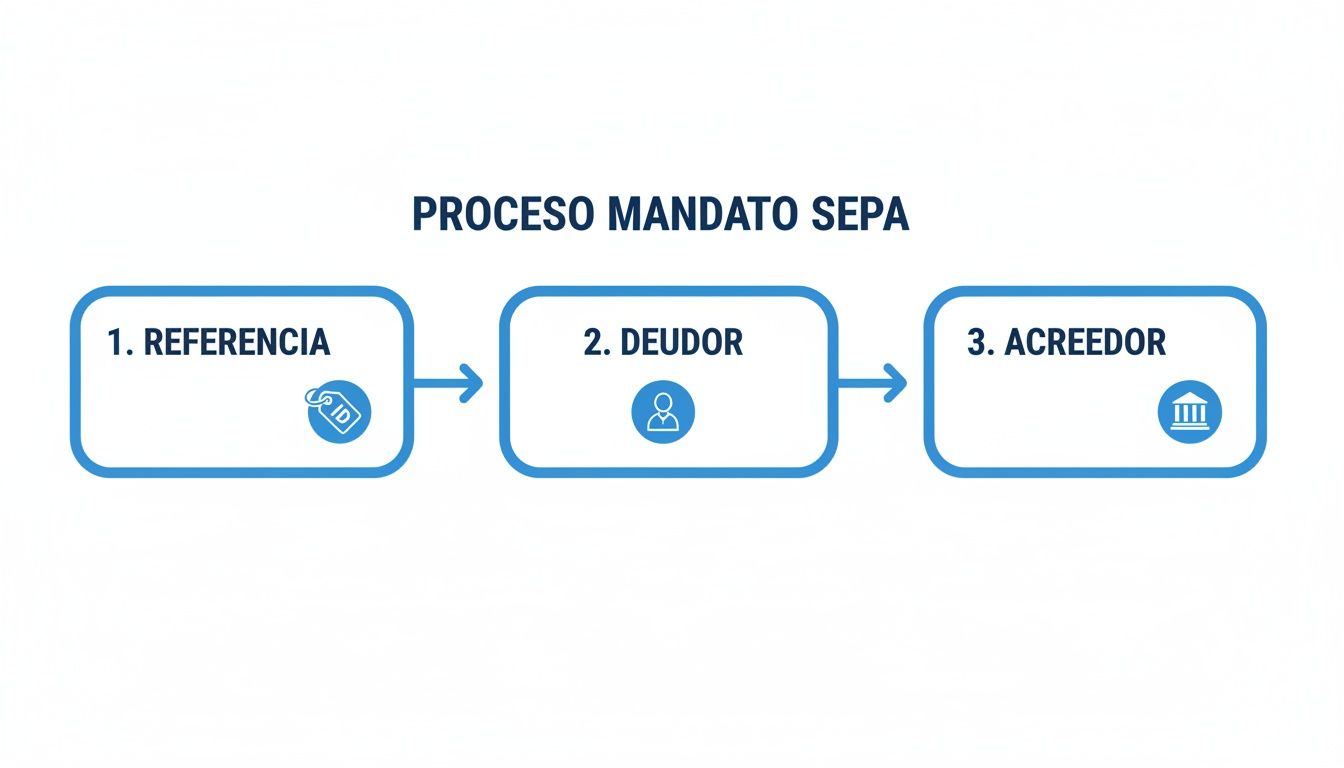
As you can see, each element is an essential link in the chain that allows the collection to be made automatically and securely.
Third step: revoke and keep the mandate
There may come a time when you need to cancel the direct debit, for example if you cease your activity. Revoking the mandate is your right and you can do it whenever you want. The recommended approach is to notify the TGSS in writing so that they stop issuing direct debits in your name.
Although you could also instruct your bank not to accept any more charges from that creditor, notifying the TGSS directly is the formal and safest way to avoid any misunderstanding.
Finally, an obligation we often forget: custody of the signed mandate. This document is the legal proof that you gave your consent. SEPA regulations require you to keep it while it is active and for 13 months after the last collection.
However, tax and commercial regulations in Spain recommend being more cautious. Good practice is to keep a copy of the mandate for at least 6 years. Both the TGSS and your own bank could ask for it in the event of a dispute or inspection to verify that the collections made were valid.
Avoid common errors and penalties with automation
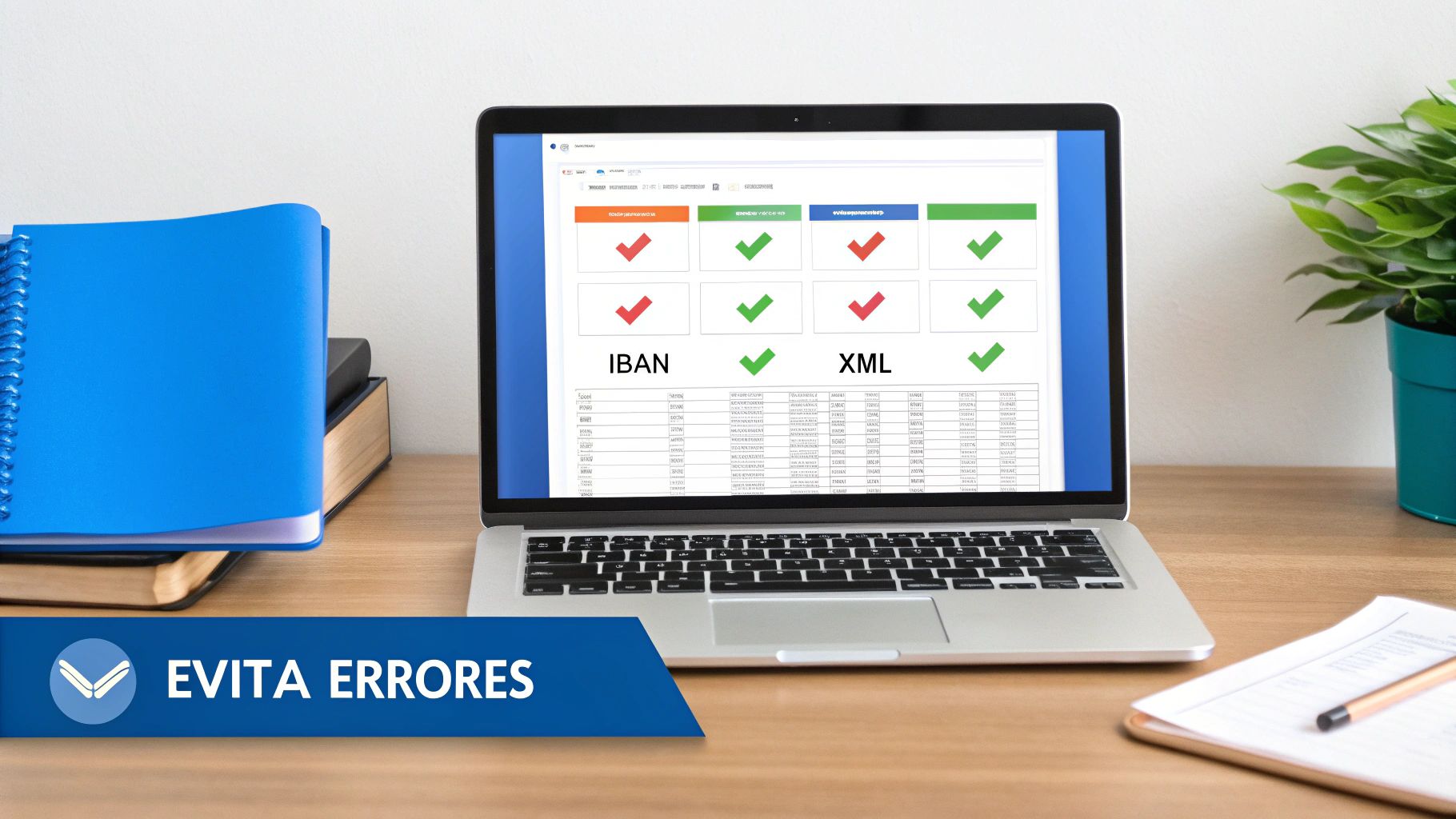
A simple error in a SEPA Social Security mandate can turn into a real headache in the blink of an eye. An IBAN with a wrong digit, a mandate reference you have already used or a tax ID that doesn’t match the account holder are small mistakes, but with very big consequences.
These oversights, almost always the result of manual management, cause the immediate return of direct debits by the bank. This not only delays payment of contributions but also sets in motion the whole machinery of the General Treasury of the Social Security (TGSS), which will not hesitate to apply surcharges for late payment.
But the impact goes beyond the financial penalty. Every error translates into hours of administrative work: you have to find the mistake, talk to the bank, correct the mandate and start the whole process again. It is a vicious circle that consumes time, burns resources and directly affects your business’s liquidity.
The real impact of manual errors
Managing mandates and batches by hand is like walking through a minefield. However much attention you pay, the risk of making a human error is always there.
The most common mistakes we see day to day are old acquaintances:
- Incorrect IBAN: A simple mix-up of numbers is enough for the bank to return the payment.
- Duplicate mandate reference: The UMR must be unique for each authorisation. If you reuse it, you invalidate the operations.
- Wrong tax data: The tax ID or company name must be an exact reflection of the bank account holder’s data. Not a comma more.
- Invalid XML file format: An error in the structure of the file you send to the bank and they will reject the whole batch. If you want to be safe, you can check what data your CSV file must contain for the conversion to be perfect.
Although the SEPA system has managed to reduce errors in contribution management by 67% and has cut batch processing time by 40%, manual errors remain a problem. In fact, delays affected 145,000 taxpayers, with average penalties of 250 euros and bank rejections totalling 12 million euros. You can read more about the regulatory framework and its effects in the official BOE publication.
Automation is your best defence
The most effective solution to protect your business from these problems is undoubtedly automation. Specialised tools act as a prior quality control, ensuring that every piece of data is correct before it leaves your office.
Platforms like ConversorSEPA are designed precisely to remove the human factor—and its margin for error—from the process. They act as an intelligent translator: they take your data, validate it and convert it into the perfect format that banks understand without question.
This image shows the ConversorSEPA interface, where you can see how the tool simplifies the creation of XML files from a simple Excel.
The platform doesn’t only convert files; it validates the correctness of the IBAN in real time, avoiding the most common and costly error of all at source.
Direct benefits of automating SEPA management
Betting on an automation tool gives you a peace of mind that manual management will never offer. Imagine being able to generate your batches and mandates with total certainty that everything is perfect.
- Automatic validation: The software checks that IBANs are valid and that all mandatory fields in the XML file are complete and in the correct format. Goodbye, silly errors.
- Error-free file generation: Converts your Excel or CSV spreadsheets into a perfectly structured XML file ready to upload to your online banking in seconds.
- PDF mandate creation: Many of these tools also let you generate the SEPA mandate document in PDF format, ready for the debtor to sign.
In the end, technology becomes your best ally. It lets you delegate the repetitive, error-prone tasks and free your time to focus on what really matters: strategy and growing your business.
We answer your questions: Frequently asked questions about the SEPA mandate and Social Security
In the day-to-day of any business, those specific doubts always come up that need a quick and, above all, clear answer. Here are the most common questions about the SEPA Social Security mandate, so you can act without losing a minute.
Think of this section as a cheat sheet of direct solutions to very concrete problems you will run into.
What do I do if I change bank account?
If you have changed bank or simply account number, it is vital that you notify the General Treasury of the Social Security (TGSS) directly. Don’t assume that telling your bank is enough.
You need to submit a new SEPA mandate with your new account details. Remember that the mandate is tied to a specific IBAN, not just your tax ID. If you forget this step, the direct debits will be returned and it is very likely that you will be charged surcharges.
How long do I have to keep the signed mandate?
SEPA regulations say you must keep the mandate while it is in force and for 13 months after the last charge. But be aware that Spanish tax regulations have other time limits.
To be on the safe side, the recommended practice is to keep a copy of the signed SEPA mandate for at least 6 years. Both the TGSS and your bank could ask for it at any time as proof of authorisation if a discrepancy or inspection arises.
What if my company changes its legal name?
Yes, definitely. You need to generate a new mandate. It doesn’t matter that the bank account and the activity are the same; the legal name is a key piece of data that identifies the debtor.
Notify the change to the TGSS and issue a new mandate with the correct company name. It is a crucial step to avoid identification problems that could lead to rejection of collections because the data doesn’t match.
Can I use the same mandate reference for several clients?
No, under no circumstances. The Unique Mandate Reference (UMR) must be, as its name indicates, unique for each authorisation and each debtor.
If you are an accounting firm that handles payments for several companies, each of them must have its own UMR, without exception. Reusing references is one of the most serious and, unfortunately, common errors. The banking system will reject the batch automatically.
With tools like ConversorSEPA, you can automate the creation of XML files and PDF mandates. That way you ensure that each reference is unique and all data is correct, saying goodbye to manual errors. You can take a look and try it free on the ConversorSEPA website.
Frequently Asked Questions
- What happens if I change my bank account while a SEPA Social Security mandate is active?
- You must notify the General Treasury of the Social Security (TGSS) directly and submit a new SEPA mandate with the IBAN of the new account. Informing your bank alone is not enough. If you skip this step, the TGSS will continue trying to collect from the old account, triggering returns and potential late-payment surcharges.
- How long must I keep the signed SEPA Social Security mandate?
- SEPA rules require you to keep the mandate while it is active and for at least 13 months after the last charge. However, Spanish tax regulations recommend retaining it for at least 6 years, as both the TGSS and your bank may request it as proof of authorisation in the event of a dispute or tax audit.
- What is the difference between a SEPA CORE and a B2B mandate, and which one does Social Security use?
- The SEPA CORE mandate allows the debtor to reverse any charge within 8 weeks without giving a reason, or 13 months if the charge was never authorised. The SEPA B2B mandate is exclusive to business-to-business transactions, and the debtor waives the right to reverse a charge once it has been processed. The TGSS uses exclusively the CORE scheme, which means you always retain that safety net as a company or self-employed professional.
- Do I need to issue a new mandate if my company changes its registered name?
- Yes. The company name is a key identifying field for the debtor in the mandate. Even if the bank account and business activity remain the same, you must generate a new mandate with the correct registered name and notify the TGSS. If the debtor details do not match the account holder's information, collections may be rejected automatically.
- Where do I submit the SEPA mandate for Social Security contributions?
- You must manage it with the Tesorería General de la Seguridad Social (TGSS), usually through its electronic channels or the relevant office. The mandate links your bank account to automatic contribution payments.
- Which details must match exactly on the TGSS mandate?
- The company name or holder name, tax ID (NIF or NIE), IBAN and mandate reference must match Social Security records and the account holder. Any discrepancy can cause returns.
- Can I cancel a SEPA mandate with Social Security at any time?
- You can revoke it, but you must formally notify the TGSS and ensure an alternative payment method to avoid surcharges. Cancelling only at the bank without notifying the TGSS does not stop collection attempts.